Is there any way to make these two mycloud home synchronized automatically?
Lets say the new one, to be hosted not in my home, to be used as a backup of the first one…
Not by running an automation on the MCH and not directly between the two MCHs, but this can be done automatically on the client PC. In a traditional NAS, you have to run a program or a server on the NAS unit itself and make sure everything is port forwarded correctly in the two locations before you can get any sync to work. But in the Home situation where internet is frequently CGN NAT and undoable by port forward, instead, the relay servers hosted by WDC will relay any data between the client PC and the two My Cloud Home units - this is doable as long as you realize you are not in a business environment and you are not trying to sync a million files or terabytes of data. Keep your small files in zip folders of 300 MB or so and don’t try to sync more than a few or tens of GB at a time.
Also keep in mind that your PC is doing the sync so it has to stay on for a few hours depending on the amount of data and upload speed and the sync should restart automatically as the PC is turned on and WDD running.
Sure, cheers. The MCH has a lot of deficiencies, but it is not really as bad as many make it out to be and is easy to set up for the home. If you are looking for a business solution, don’t use the Home product, look for higher end NAS from Synology and others, including WD.
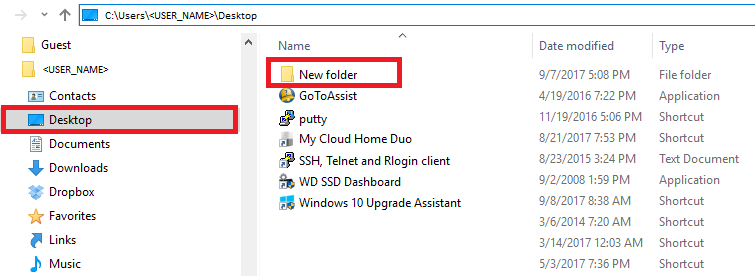
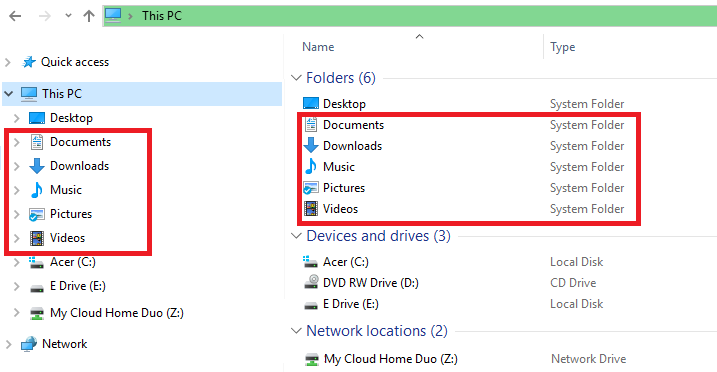
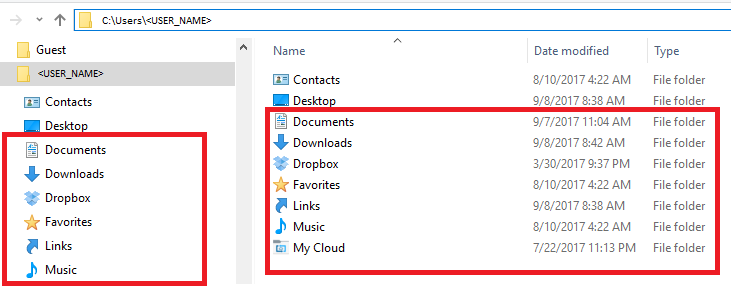
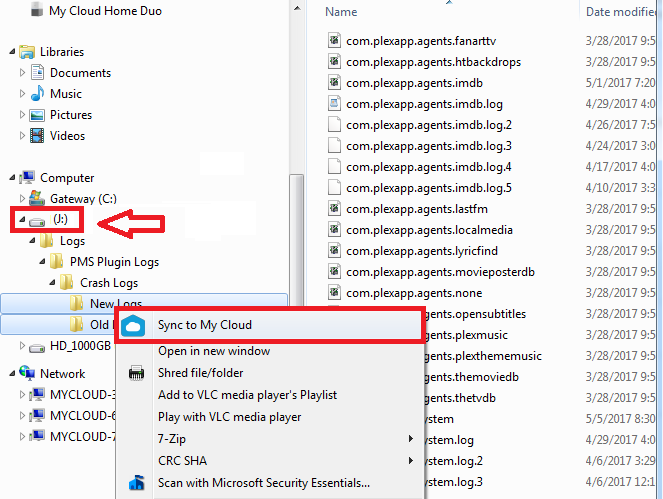
First of all, you need to have installed the MCH properly, which importantly required installing WD Discovery which will let you see, sync and share from the desktop. This is described in the online KBA (Knowledge Base Archive). You would choose one of the supported folders (below) and right click for the sync option.
The My Cloud Home Desktop Sync supports the following directories and folders and locations on a Windows computer.