There was an old version (1.6…) of WD SmartWare pro installed on my PC. It worked somehow till today.
As the program didn’t start today I decided to delete it and to install it from scratch.
So I downloaded WD SmartWare Installer.exe from the WD website and installed it.
As I use a non-WD hard drive, there doesn’t appear any backup target. I know that only WD SmartWare pro can recognize non-WD hard drives. But there isn’t any Key picture inviting for an upgrade! See the picture below.
Thank you for your reply.
I read the release notes and didn’t understand what use is it to me
I have PC ASUS, OS Windows 10. I restarted my PC after each new installation of WD Smartware.
When I choose another drive (C or G) nothing changes.
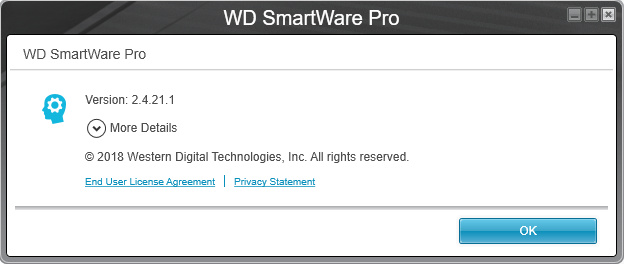
Can’t understand why every time WD Smartware pro is installed instead of WD Smartware!
O.K., if I formatted my C: drive I would get rid of this trouble. But in this case, I would have lost all my programs I’m working with. It would cost me a lot of time to reinstall all of them. I can’t afford it just now
because of my workload…
@Vladimir2UA Try this and see if it works. Open up the Control Panel, click on Uninstall a Program, select WD SmartWare then at the top click Repair. See if that will get it to working.


 .
.
