Hi, I have been a WD MyCloud user since the beginning many years back.
I have had the previous generations of this device.
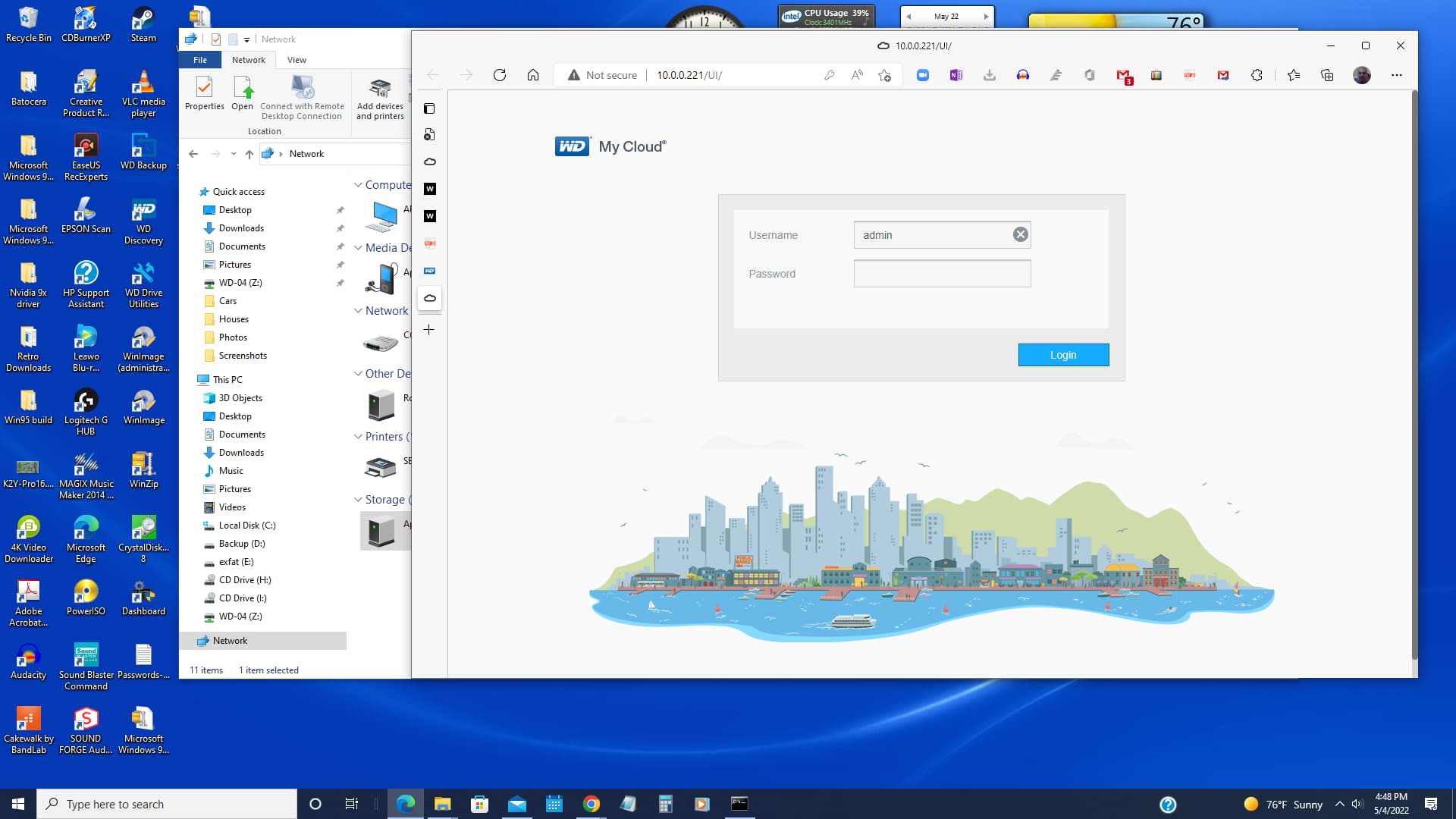
Today I am trying to setup this Brand NEW MyCloud home that I purchased directly from WD website. But I can’t login from MS-Win-10 File Explorer.
Apple-005-4tb is my old MyCloud NAS drive on my home network.
I downloaded the WD Discovery app and setup an account and it works but when I try to login from my computer MS-Win-10 File Explorer window I can’t login.
What is the default username and password ?
Also I want to login in from the Dashboard to edit settings if it is still possible of has this feature been removed ?
If you have a My Cloud Home, that unit is different than the My Cloud line of devices. The My Cloud Home does not have the “Dashboard” that the My Cloud line has/uses for device configuration.
If you have a My Cloud device and not a My Cloud Home device, see the dedicated subforum elsewhere for your device since solutions for My Cloud Home problems/issues may not pertain or work on the My Cloud line of devices.
Hi, I am still trying to setup these NEW MyCloud Home NAS.
I can see it on my home network but I cant login to access the drive.
Its a NEW NAS and I don’t know what the default password is for NEW NAS ?….it has never been used or setup before.
Hi, My Cloud Home lacks fixed default login credentials for Windows File Explorer, unlike your older Apple-005-4tb unit. Use WD Discovery (which you already signed into) to create custom local network username and password first. Map the drive via \device IP in File Explorer and enter those local credentials to connect successfully.
A web dashboard still exists: enter your My Cloud Home’s IP in a browser and log in with your main WD account to tweak device settings.
For data safety, note there is no native trash bin on My Cloud Home. Corrupted indexes, login faults or drive errors can erase files easily. If data becomes inaccessible, official support or professional tools under WD Recovery are needed to restore content, as Windows utilities cannot read its proprietary file system. Back up vital files to your older WD NAS to cut recovery risks. Reboot your PC, NAS and router if mapping still malfunctions after setting local access details.