Hi .I have a McCloud 2tb running in a network of three windows 10 machines. I have lots of music in the public (music) folder. When I reboot I have to insert my password although I tick the “remember my credentials” box. the next reboot still requires me to insert my password. This happens on all 3 machines. Is there a setting where I can do the “reconnect on startup” thing like what you can do with regular machine based shared drives??? In other words … what am I doing wrong??? thanks john
Do you want to have a password?
If you can live without a password go to the Dashboard and under Users click your User Name and turn password off if it is on and try again.
cat0w
USA
many thanks. we are half way there. it indeed alleviates the need to put a password in BUT… when I reboot the computer still says it can’t connect. so you click on the drive in file explorer and the same dialogue box opens … but you do not have to put the now non existent password in. What I would ideally like is for the drive to automatically reconnect on start-up just like all my other network drives … is this possible … I wonder if its a setting within Windows 10 rather than mycloud??? cheers, john
I suspect it’s a windows problem. I have no trouble automatically reconnecting with win7.
I’d try unmnapping all drives, then re-booting the PC, then mapping ALL shares you wish to map using the same MyCloud credentials. Windows doesn’t let you mix credentials, so you have to give user credentials even for Public.
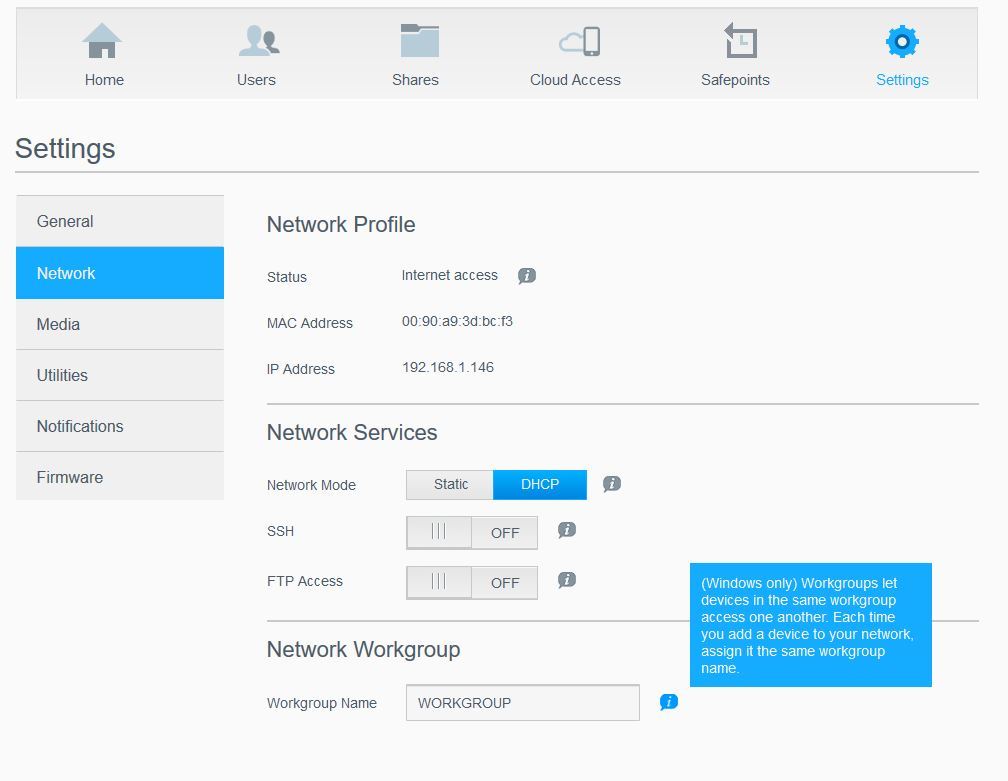
Hi yes everything is on the same network. I really do think its a Microsoft thing. I will try to disconnect all my drives (network ones) and see what happens if I reconnect them in the usual mannera. thanks everyone. john

