I recently upgraded my OS to BIGSUR and now wd is having trouble connecting.
It keeps asking me to “ALLOW” extension and “REBOOT”.
The extension has already been allowed and checked.
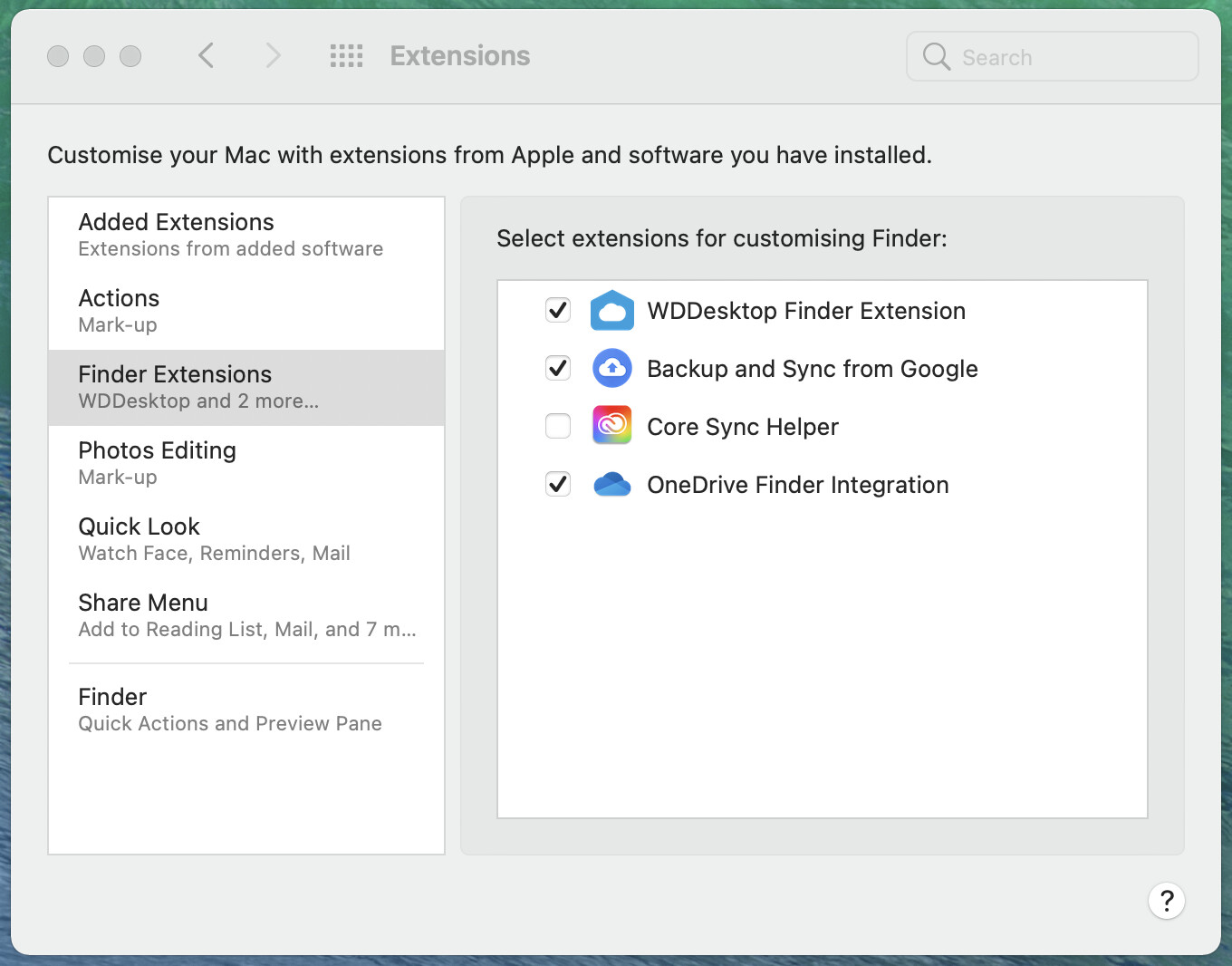
@ziangi, Is the drive is formatted with exFat/APFS?
Please reformat the drive with APFS file system then only you will be able to use your drive on Mac OS.
Make sure that you have backed-up your data stored on the drive before going to format the drive because reformatting is data destructive process.
Please go through this KB article number 9968, It will help you to format your drive with APFS file system.
Link: External Drive: Convert to Apple File System (APFS) Format
@Neha_07 You wrote:
“reformat the drive with APFS file system then only you will be able to use your drive on Mac OS”
Please confirm that as Time Machine drive, a WD drives doesn’t need to be formatted with APFS under Big Sur. Thanks.

