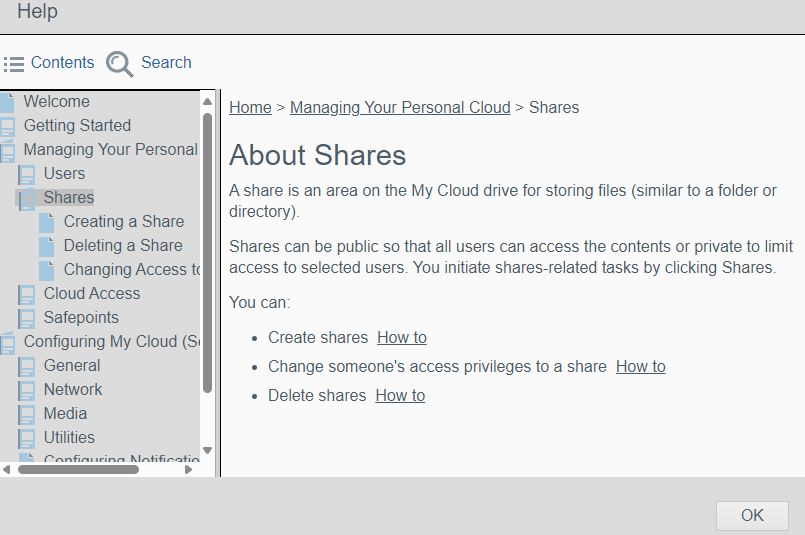
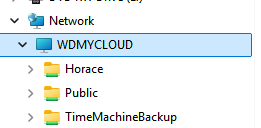
In my Dashboard I have two shares that are currently created, Horace that is a private share and Public that can be viewed by anyone. I do not use Time Machine.
Mine is 2015 I believe. The manuals do not say anything about the absolute path to the folder.
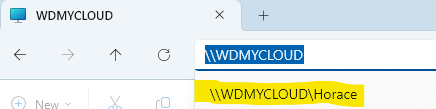
The photo is what I see in Windows and what I’m trying to do in Linux.
If you have been using computers for any length of time you should know how to find the path to a folder.
Look at this image and I have highlighted the path. Remember that I am on my home network. I open File Explorer and click on Quick Access> WDMYCLOUD and Network so my shares show
Linux is not that different from Windows for basic SMB access to a My Cloud. How exactly are you trying to access the My Cloud using Linux? Are you using SMB, NFS, FTP, SSH, or some other protocol? Are you trying to map a My Cloud Share to Linux?
For SMB its generally:
//wdmycloud/sharename
//ipaddress/sharename
If you need NFS or FTP support enabled on the My Cloud, see the My Cloud Dashboard > Settings page (using your web browser).
MyCloud web browser control page is basic and the MyCloud I own is a 2015 model. I have very little control of the set up. I can only enable FTP and SSH.
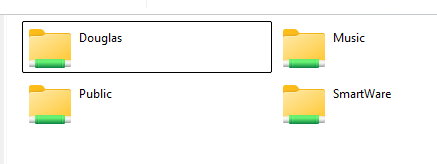
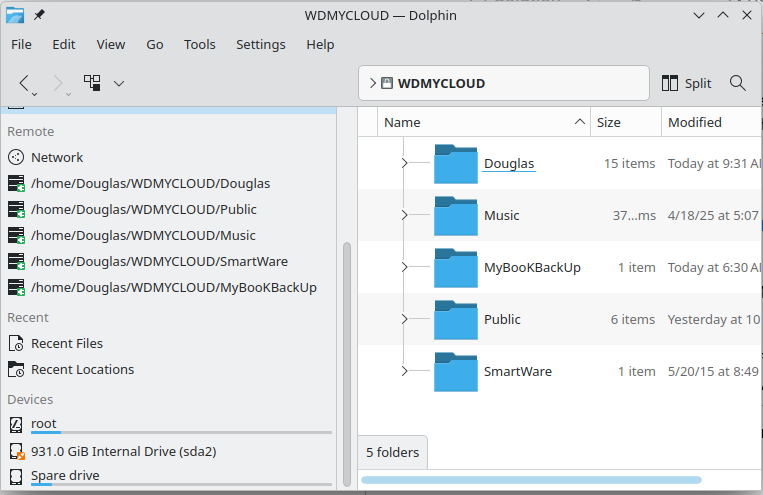
Trust me, I know the the protocols that are enabled. I found a Linux command and actually there are quite a few. Like I stated earlier, smb://MyCloud does work in Linux, however it is very slow and very insecure. I did 6 days of research to find out the only way to do what I wanted to do is with smb://MyCloud. That is unacceptable and I came up with a way on my own. It’s crude but it does work. I did not want to use fstab but that is what I actually had to do. One wrong entry and the system will not boot. I ended up using the CIFS protocol and it woks great, it’s fast and secure. I created five entries (I tested first with the mount command in bash). Once I got them working, I added the _netdev option to mount after login so it would not crash, I would get an error message instead. Then I created a folder called MyCloud and then in that folder, a folder for each of the five shares. Then I added the MyCloud to the My Places pane. Works great! See the attached photos.