WD Community

My Cloud Home / MacOs Mojave - not working - confused?

First of all, I’m frustrated that I had to register and to browse some forum to get info about this.
I have read all the topics but I’m still confused. In some of them people are reporting that it started working, and in some not. Also, there is some WD announcement that says its fixed, but its still not working for me.
What is going on here ?

I have:
MacOs Mojave 10.14
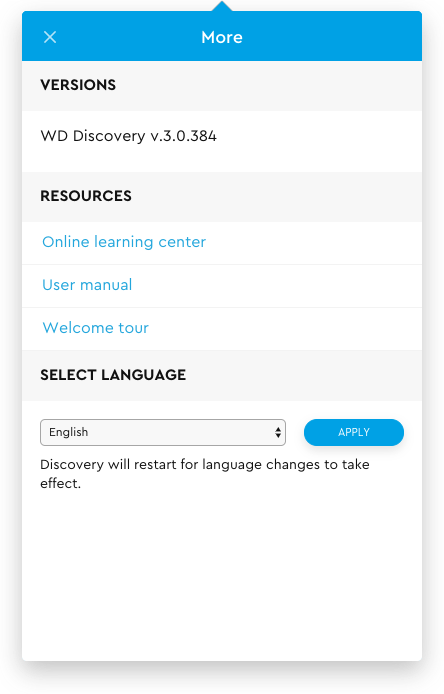
WD Discovery V.3.0.384

After OSX update Connection is made, my cloud desktop info is missing, there is no desktop icon etc…

00

have you tried rebooting the Mac?

Yes, of corse. rebooting and reinstating WD discovery app.

OK so, after reading drlucky’s comment I asked myself do I feel lucky tonight.
Once again, for the 3d time in total I uninstalled WD tools, rebooted, deleted all files that are left behind, rebooted, installed and no luck.

since it was boring night for me, i repeated process for 4th time ( same as before) and it somehow mysteriously worked!

thanks for motivation :slight_smile: !

Support for Western Digital Hard Drives | Western Digital

Still Need Help?

Reach out to Support for more assistance.

Sign in to Your Support Account

Get up-to-date information about your products.

Western Digital Business Portal

Unlock benefits and tools for your business such as enterprise support, pricing and rebate tools, marketing, loyalty, rewards, and more.

