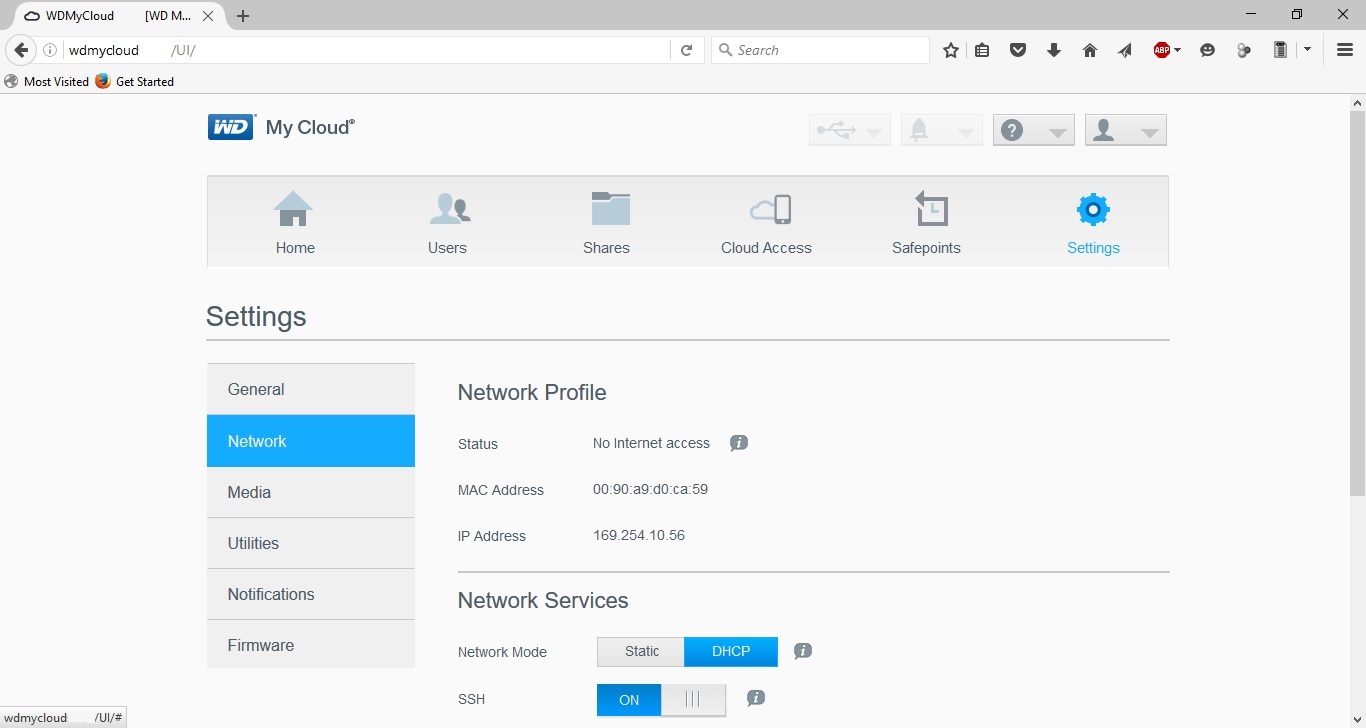
You will need to check your network settings on your PC to ensure NetBIOS over TCP/IP is enabled and the network adapter is not configured for a static IP. And you may need to perform a 4 second reset on the My Cloud to reset the DHCP to default of Auto and reset the Administrator password to default of blank.
http://support.wdc.com/KnowledgeBase/answer.aspx?ID=13986
On my Windows 10 PC when the My Cloud is directly connected to the PC the My Cloud auto signed itself an IP Address of 169.254.10.56 and the Windows 10 PC auto assigned itself an IP Address of 169.254.7.203. Both using a subnet mask of 255.255.0.0. The My Cloud shows up when issuing an arp -a command and can be reached via a web browser.