Dashboard 4.0.2.20 often does not start and only shows a colored background with a logo after starting. Tested on 3 PCs with Windows 10 and Windows 11. No issues with Samsung Magician and Crucial Storage Executive. I already regret buying WD.
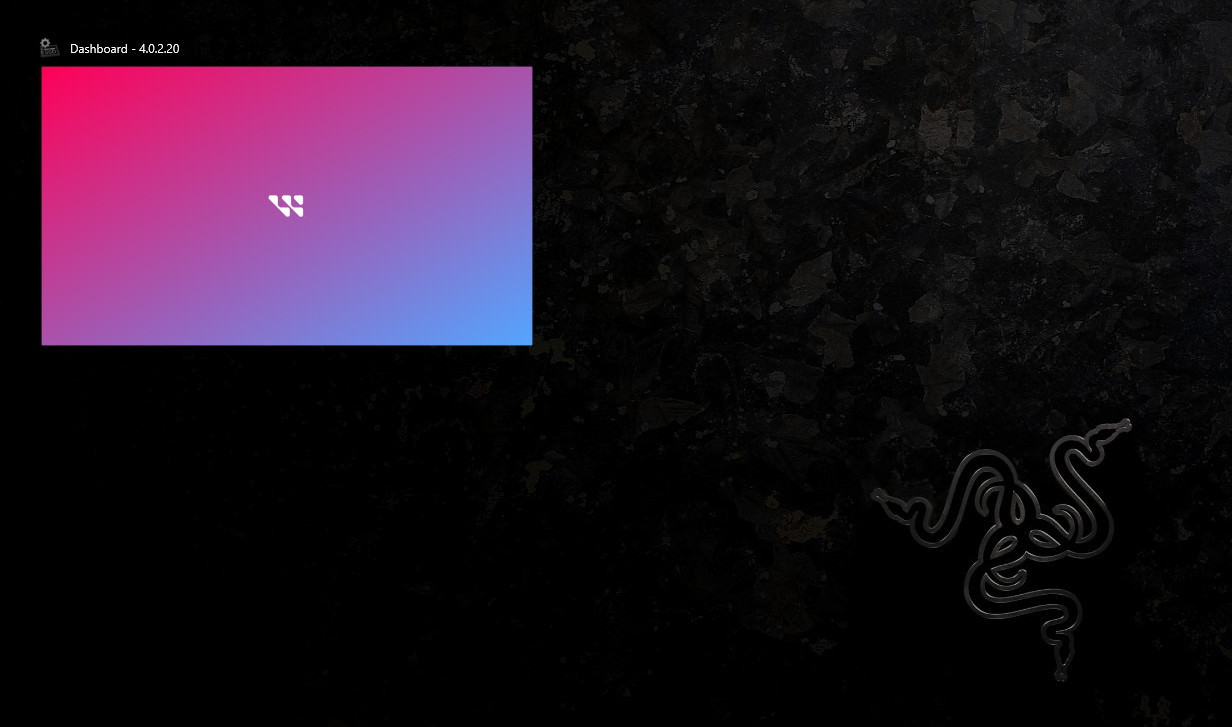
Same here. Do you boot from a WD nvme ssd?
Same here, just keeps trying to load and never start, tried reinstalling few times, no fix.
I am having a similar problem with Windows 11 and WD Dashboard (4.1.2.4). When I launch WD Dashboard the only result is that an icon appears in the Taskbar. There is no actual application window and clicking on the icon in the Taskbar does nothing. I would post a picture, but there is nothing to show!
2025 checking in, latest version. Issue is still there, but now its mission critical as old firmware prevents a windows update.
See Internal SSD Critical Firmware Update Available for Solving BSOD on Windows 11 24H2 Update | SanDisk
try loading the PC in Safe mode with networking. then start dashboard

