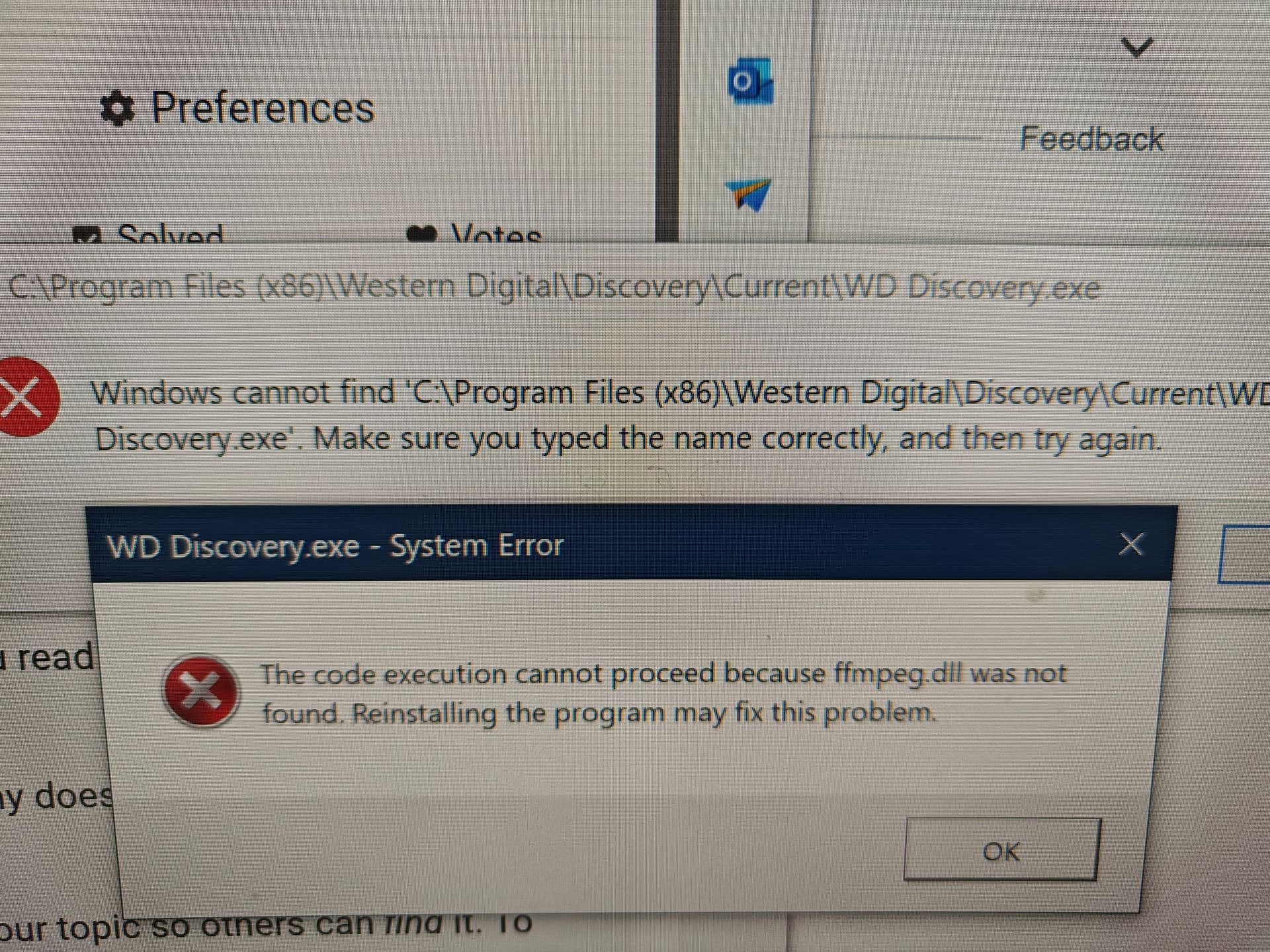
I got Western Digital and installed it. Unfortunately don’t know how but some dll files got deleted. They do not reinstall. I get the following messages

Hi @bkapur
Have you opened a Support Case? If not opened, for more information, please contact the WD Technical Support team for the best assistance and troubleshooting:
To fix the missing ffmpeg.dll error, restart your computer and try reinstalling the program. Uninstall it, restart your computer, download the latest version from the official website, and install it again. If the issue persists, manually download ffmpeg.dll from a reliable source like dll-files.com, and place it in the program’s installation folder, usually in C:\Program Files or C:\Program Files (x86). Ensure your Windows system is fully updated and run a full system scan with your antivirus software to check for malware. If the problem continues, contact the software’s support team for help.

